




Love this product for 2 years I been asking for reviews but people get busy life happens we tend to forget. Thank you for this amazing product you make my life so much easier :)
Google Review Card
Double your monthly Google Reviews in 30 days or your money back
 Collect Reviews in 3 Seconds!
One-Time Purchase, No Monthly Fees
Rank at the Top of Google Searches

Couldn't load pickup availability
Once you receive your Digifeel products, you’ll be able to set them up and manage all your locations within our App. (Set Up in 20 Seconds).
Limited Stock – OCTOBER SALE
How It Works
Get more Google reviews in just 3 seconds :
Shipping
All orders are processed within 1 to 2 business days.
Delivery times vary by destination:
30-Day Money-Back Guarantee
If your Google reviews don’t at least double in 30 days, we’ll give you a full refund – guaranteed.
Product details
Plastic Card | Credit card size
Description
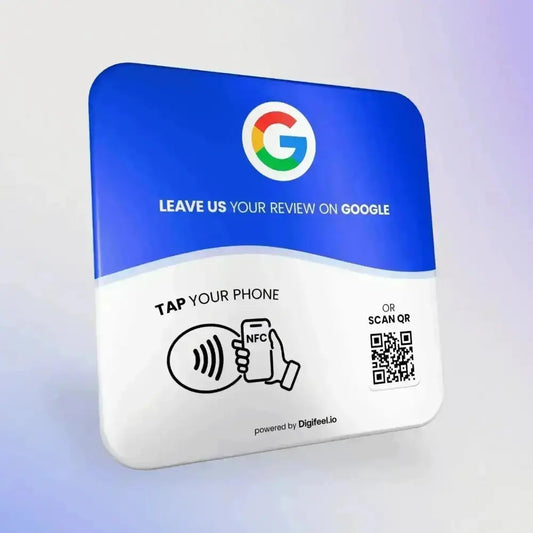
Google review cards are credit card size cards that hold an NFC chip and a printed QR code, both linked to the review form of your Google Business Profile. A customer taps the card with a phone, or scans the code, and the stars screen opens right away, with no Google search and no typing.
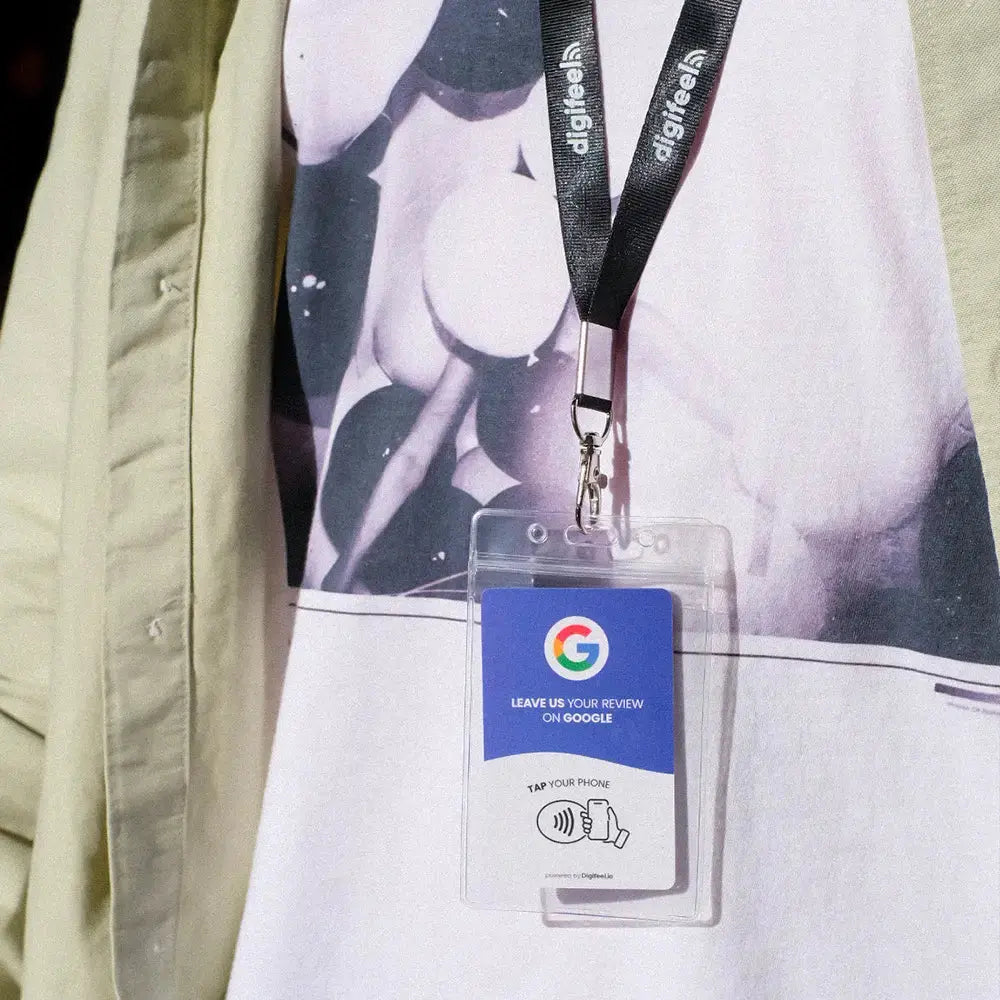
The Digifeel Google review card is the version built for people who work face to face with the public: servers, stylists, technicians, drivers, front office staff and sales reps. The card lives in a pocket, on a lanyard or next to the payment terminal, and comes out at the exact moment someone says thank you. That moment matters, because a happy customer who walks out the door rarely comes back to leave a review on their own. If you want a fixed point of collection on a counter or a wall instead, the Google review plate does the same job without anyone holding it.
A Google review card works in two ways at once: an NFC tap for NFC enabled devices and a QR code scan for everything else. Both open the same Google review link, so every visitor reaches the page where they can pick their stars and write a comment in a few seconds. Scan or tap, the result is the same.
Here is what happens during a tap. The customer holds the top of the phone close to the card, within about an inch or two. The NFC chip sends your review link, a notification or the browser opens, and your Google review form appears. On iPhone XS and later models, Apple reads NFC tags in the background, so there is nothing to switch on. On Android, NFC just needs to be on in the settings, which it is on most devices. Without NFC, the camera scans the QR code and lands on the same screen.
No app is required on the customer side. To post a review, Google only asks to log in with a Google account, which most people already use for Gmail, YouTube or Maps. The review becomes public once Google processes it, it can include text, photos or a video, and you can reply to it from your Business Profile like any other review. To see the full path from tap to published review, read our guide on how Google review cards work.
NFC, short for Near Field Communication, is the short range wireless technology behind contactless payment. In NFC Google review cards, a small passive NFC chip stores one piece of content: the link to your Google review page. The chip has no battery and needs no power, no Wi-Fi and no charging.
Because the chip draws its energy from the smartphone during the tap, it has nothing to wear out between uses, so one card takes an unlimited number of taps over years of daily service. The chip stores no personal data and reads nothing private from the device, only a public link, so there is no privacy issue for your customers. The QR code printed on the card is the backup channel for devices where NFC is turned off. For the Apple side in detail, see whether an NFC card is compatible with iPhone.
| Feature | Digifeel Google review card | Why it matters |
|---|---|---|
| Format | Plastic card, credit card size, about 3.4 x 2.1 inches | Fits a wallet, an apron pocket or a badge holder |
| Technology | NFC tap plus printed QR code | Covers every smartphone, tap or scan |
| Compatibility | iPhone and Android | No app to install for the customer |
| Power | Passive chip, no battery | Unlimited taps, no charging, no Wi-Fi |
| Setup | Scan, enter the activation code, done | Live in minutes from your Digifeel dashboard |
| Price | One-time purchase | No monthly fees to keep it working |
| Warranty | Free replacement if it stops working | Review collection never stops |
The main benefit of Google review cards is a higher review collection rate, because the card removes the friction between a satisfied customer and a posted review. Instead of asking people to search for your business later, your team puts the review form in their hand while the experience is fresh. That is how you increase your business's Google reviews without extra effort.
Cards also travel where a sign cannot. A plumber finishing a job, a real estate agent after a closing or a seller at a trade show booth can collect a review on the spot. For the fixed side of your business, pair them with a counter version. Our comparison of plate vs card for Google reviews helps you split the two.
To boost Google reviews with a tap card, ask every customer at the moment of satisfaction, give each customer-facing employee a card, and keep the request short. The card does the hard part, which is getting people to the right page in one gesture, so you collect Google reviews easily every day.
Ask everyone, not only the customers you think are happy. Google's review policy for Business Profiles does not allow selectively soliciting positive reviews, a practice known as review gating, and the FTC rule on consumer reviews, in force since October 2024, bans incentives tied to a positive score and several forms of review suppression. A Digifeel card opens your public Google review form for all, with no filter, which keeps your reviews compliant and credible. In plain terms: tap to review, with no private feedback form first.
To create a Google review card with Digifeel, order the card, scan its QR code when it arrives, then enter the activation code to connect it to your Google Business Profile. Each card ships programmed and ready, so getting started takes a couple of minutes and needs no technical skill.
From the dashboard you can manage all your locations, which is useful for franchises and multi-site businesses. Many owners also ask how to make a Google review tap card themselves with a blank tag, an NFC writer, a Google review link generator or a free code generator. That route works, but you have to program and test the chip, check the link and replace worn cards yourself. Our guide on how to make a Google review card explains how to create one and where the do it yourself option stops.
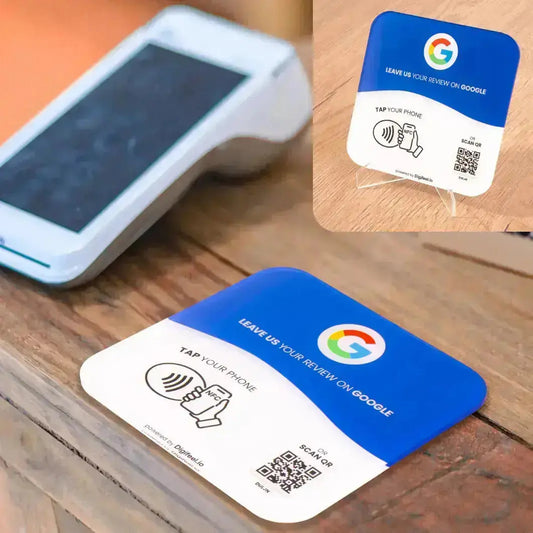
A Google review card is the best choice when your team moves around, while a plate, a sticker or a Google review stand suits a fixed spot like a counter, a table or a door. Most businesses combine both: cards for staff, a fixed product where people pay.
| Format | Best for | How customers use it |
|---|---|---|
| Google review card | Staff on the move, table service, field work, events | Handed over by an employee, tap or scan |
| Google review plate | Counter, reception desk, wall near the exit | Visible at checkout, tap or scan on their own |
| Sticker or tap tag | Doors, windows, payment terminals | Discreet reminder, works best as a backup |
| Google review stand | Tables, office desks, trade show booths | Held upright so it stays visible |
If you already know you want a counter version, the NFC Google review plate uses the same chip, the same QR backup and the same dashboard, so both products can point to the same Business Profile.
Digifeel review cards differ from generic marketplace tap cards on setup, quality and support, and from subscription review platforms on price, since you pay once and never pay monthly fees. The table sums up what changes for a small business.
| Point | Digifeel card | Typical alternative |
|---|---|---|
| Cost model | One-time purchase, no monthly fees, no agreement to sign | Subscription platforms bill every month, per location |
| Setup | Activation code, live in minutes | A blank white PVC card often needs an NFC writer and your own link |
| Where it points | Your public Google review form | Some tools filter unhappy customers first, which Google does not allow |
| Multi-location | All locations in one dashboard | Often one tag per link, managed by hand |
| If it breaks | Free replacement | Depends on the seller |
You can purchase Google review cards from the official Digifeel shop directly on this page, starting at $22.90 per card as a one-time purchase, with no subscription required. Standard shipping with USPS tracking is free on United States orders of $59 and more, and each item ships with its activation code.
A Google review card is not something Google sends for free. Google provides your review link and a QR code from your Business Profile at no cost, and you can print that code yourself, for example at local print shops. What you pay for when you buy an NFC tag Google review card is the chip, a durable card that survives daily handling, the setup and the replacement guarantee. For a business that earns even a few extra customers from a better score, the card pays for itself quickly. To create a free code first, see our guide to the Google review QR code.
Bulk Google review cards are available for teams, franchises and agencies, with custom Google review cards on request. Packs of 3, 5 and 10 cards lower the price per card, down to $9.99 in a pack of 10. Add a pack to your cart for a small team, or contact us for large volumes, your logo and colors, and cards set for several locations.
| Pack | Price | Price per card |
|---|---|---|
| 1 card | $22.90 | $22.90 |
| 3 cards | $49.90 | $16.63 |
| 5 cards | $69.90 | $13.98 |
| 10 cards | $99.90 | $9.99 |
A card per employee works better than one shared card, since every staff member can ask at the right time. Multi-location brands control every card from the same account. For volume pricing and customization, request a bulk quote.
Yes. A Google review card simply opens your official Google review page, the same page someone would reach by searching for your business. Nothing is posted on the customer's behalf and every review is written by a real person, so the card follows Google's rules as long as you ask everyone and offer no reward for a positive score.
No app is needed. Tapping or scanning opens the review form in the browser or Google Maps. To write a review, people log in with a Google account, which most smartphone users already have through email, YouTube or Maps.
Google does not ship free review cards. You can get your free review link and QR code from your Google Business Profile and print it on a paper business card. An NFC tap card adds one-tap access, durability and a replacement guarantee, which is what you pay for.
Yes. iPhone XS and later read NFC in the background, and Android devices read it as soon as NFC is on in the settings. Anyone without NFC can scan the printed QR code, which leads to the same Google review form.
This card is dedicated to Google reviews. To send people to Instagram, Facebook or several links at once, Digifeel offers dedicated products such as the multi-link card and plates for social media.
We replace it for free. The chip is passive and built for years of daily taps, but if a card ever fails, reach out and we send a replacement at no cost.

TRUSTED BY LOCAL SHOPS & GLOBAL BRANDS IN 115+ COUNTRIES


In 3 seconds:


When you receive your Google Review Card,
scan the QR code.

You will arrive on the Digifeel App:
Enter the activation code on your card to activate it.

And that's all there is to it!
You are now ready to collect your first reviews!
As we mentioned earlier, Digifeel offers a 30-day risk-free trial. If you decide to return it, we will issue a full refund.
All you have to do is contact us at contact@digifeel.io.
Your establishment's listing is mandatory to receive Google reviews. If you don't have one yet, let our team know so we can help you create one.
To submit a review, customers must have a Google account.
Most smartphone users have a Google account via YouTube, Gmail or Google Maps. In fact, 93% of smartphone owners have a Google account.
YES, 90% of smartphones in circulation have NFC technology, and 100% of smartphones in circulation can scan QR codes.
Our plates use NFC technology (which stands for Near Field Communication), more commonly known as contactless technology. The same technology you use when paying with your phone at a kiosk.
But no worries - the chip simply shares a link to your contact page. It doesn't collect or store any personal information.
All orders are processed in 24-48h business days.
Delivery time depends on the destination country:
US : 4-7 Business Days
UK, AU, CA : 5-8 Business Days
International : 5-9 Business Days
Our team is here to help you, get in touch with us via contact@digifeel.io.


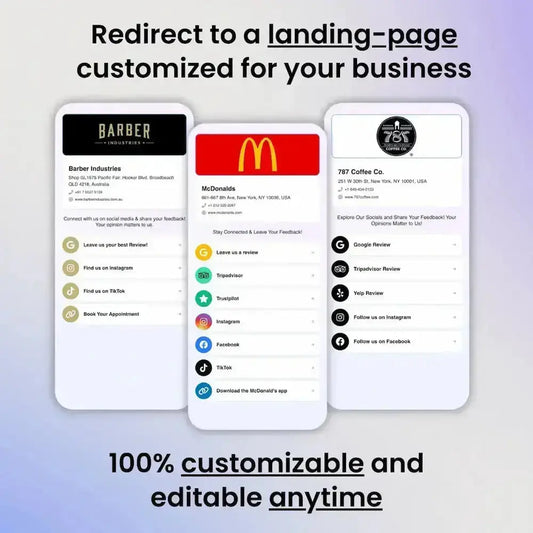

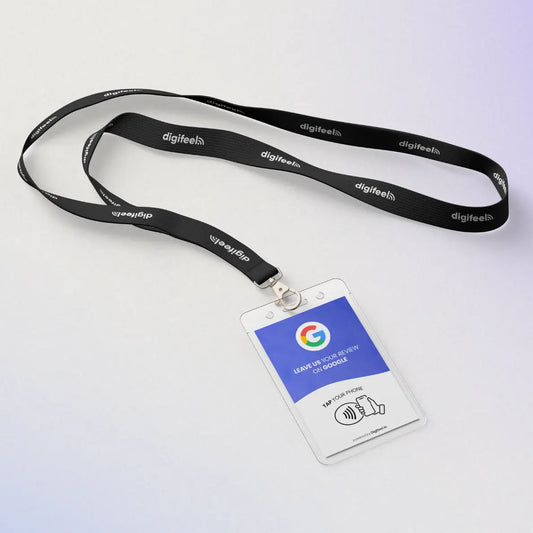

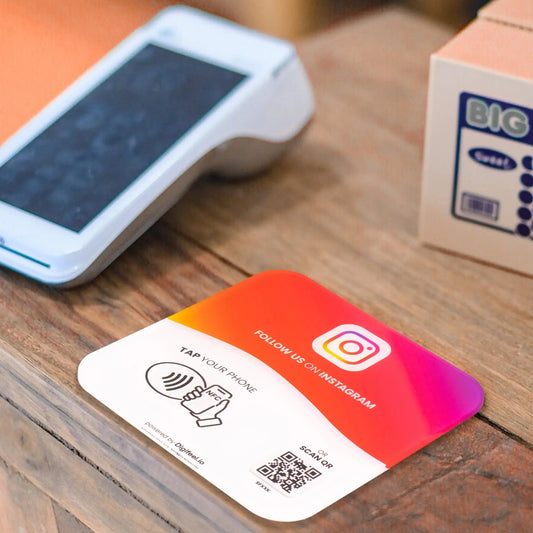

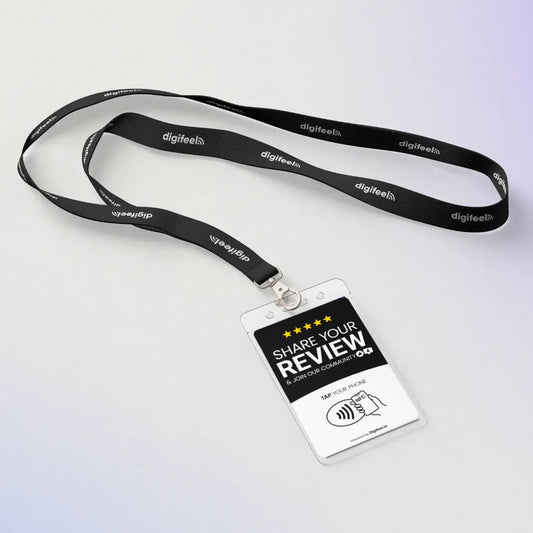


Are you a franchisor or managing multiple locations?
We tailor everything to fit your needs.
Customization is available upon request.
Overall rating: 4.9 / 5 from 3859 reviews.
Love this product for 2 years I been asking for reviews but people get busy life happens we tend to forget. Thank you for this amazing product you make my life so much easier :)

Very fast, easy & convenient. Your next review at your fingertips.

Great alterative to double tape.

Love it. Easy and so fun to use!!’nnn

Makes asking customers for reviews a very smooth and simple process!

Very useful in displaying our review tiles!

It's so convenient

It's so convenient

Really pleased with my purchase 👌 I’ve collected over a dozen new reviews direct from my students and parents at my Brazilian Jiu Jitsu club. No more sending the link to people and waiting for a reply; with the plate the review is done in under a minute 🤙 Highly recommended, especially for self employed small business owners like myself 🤙

Easy and convenient to review

I think having the Digifeel plaque has been somewhat helpful in getting a couple more reviews than usual. I like how easy it is, we just still need to point customers to it pretty obviously. We have two posted in our space.

Awesome , Experience Need ways to link instagram & facebook similar to google link finding

Easy to set up and easy to use for my customers. Just a tap while they take a seat and review is all done.

Works great and is easy to install. Customers are motivated to leave more reviews just because it's a reminder before they leave. Love.

We ordered 5 review plates for our various clinics - we're one month in and we're already seeing a big increase in reviews. It makes it so easy for people to just tap their phones and leave a review - no confusion over how to scan QR codes (although there's a QR code option on the plate too). We're about to order a bunch more because they've been so successful. They look really sleek and professional too - they fit in perfectly with our clean clinic aesthetic.

The digifeel plate is really convenient and accessible for my customers after there haircut. Quick and easy

Love it- simple and effective ⭐⭐⭐⭐⭐ Working with Digifeel.io has been a fantastic experience. They took the time to understand my osteopathy clinic, my values, and the type of patients I want to attract, rather than offering a one-size-fits-all marketing solution. The team has been responsive, professional, and genuinely invested in helping my business grow. Their ideas have been practical, well thought out, and tailored to my clinic, making the whole process straightforward and enjoyable. If you’re a small business looking for a marketing team that communicates well, listens, and delivers with integrity, I’d highly recommend Digifeel.io.

Easy for customers to leave a review! Easy to mount anywhere.

Got from 20 reviews to 108 in under 3 weeks! It’s my favourite mini game in life at the moment.

It’s a fantastic product! Easy to use, engaging our consumers at point of sale. Effortless. Thank you!

I love get new reviews with Digifeel plate!

Really happy with the Digifeel review sign. Customers find it super easy to tap and leave a Google review, and . Simple setup and looks professional on the counter.

Great for getting reviews on the go

Love the durability!

This has been a game changer! So quick and easy for our clients right at the checkout desk.

Me gusta ayudar a sorprender a mis clientes y queremos hacer que la persona que resive los detalles sea feliz y se sorprenda con su regalo

I’ve been using DigiFeel, and it’s honestly a game-changer for Phoenicia. The card makes leaving reviews super easy and seamless, which means we get real, actionable feedback. It’s not only user-friendly, but it feels like a positive boost for both customers and us. I recommend Digifeel for all business owners in my community and I definitely will use them with all my future businesses.

I love it so much

No reviews yet, about 10 days in. But hey… that should pick up.

Love that we can have all of our plateforms on one plate. It's a space saver and makes it easier for the customer.

I love this - I have managed to receive more reviews in 2 weeks with this than I have in last 2 years!

It’s awesome

Excellent piece of kit, User friendly even the oldies can navigate through it. 👌👍❤️

Great service

We are happy! It works! We gain more reviews in one month than past 7 years.

I love this pad it so easy and covenant for my customers to tough it with the phone an leave a review:))

The best purchase I have made. Our reviews have tripled since we put a plate on the counter checkout and each treatment room. THANK YOU!!!!

A great way of making it easier to get instant feedback instead of relying on customers to do it themselves 👍🏼

We have done a week more than 5 reviews and it’s amazing, every business should have one

As a full time Stained Glass Artist, I'm not always on the ball at getting reviews. Using the pre-printed display pad, is so much easier. When I do Workshops it is really easy for clients to do a review there & then. As yet I haven't had anyone use the review paid at Craft Fayres.