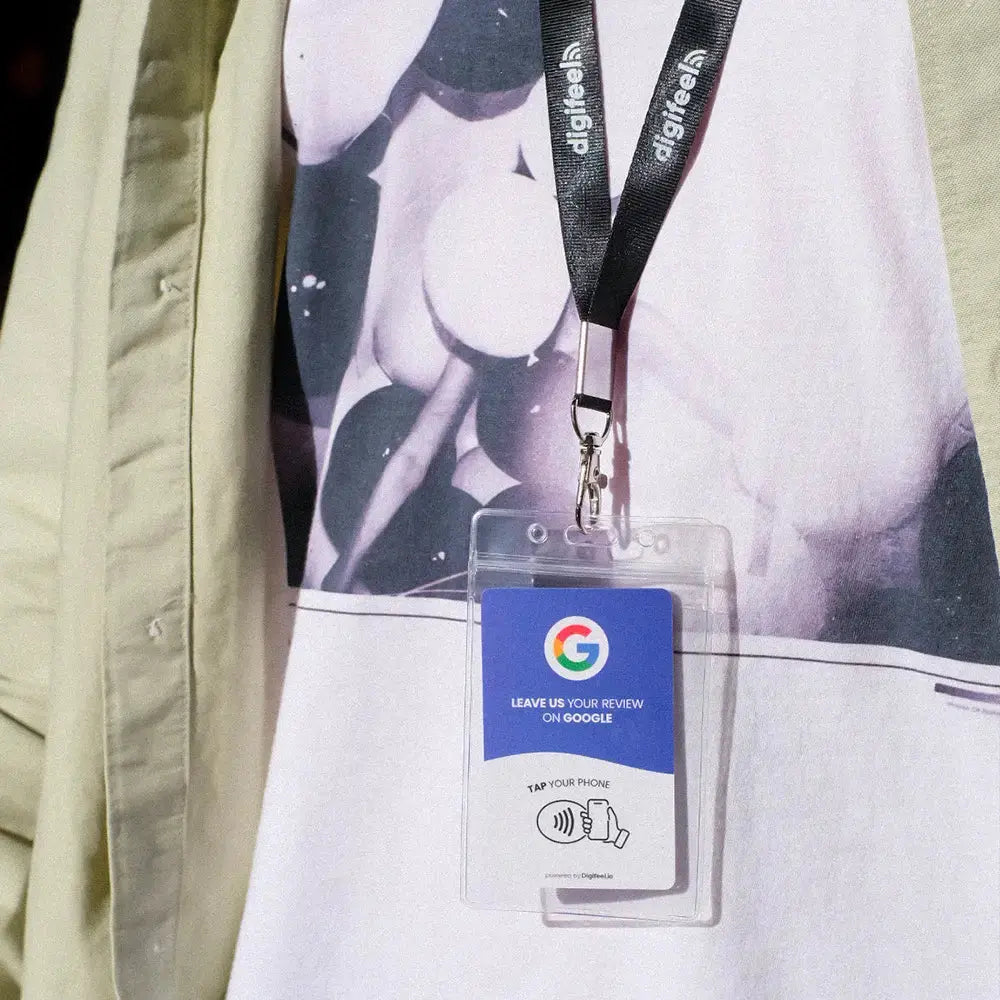
It is one of the first questions every business owner asks before investing in an NFC Google review card and it is entirely the right question to ask. Your customers are carrying iPhones. Your team members are carrying iPhones. And if the card does not work reliably on Apple's devices, the entire review collection strategy falls apart at the most critical moment.
The good news is unambiguous: yes, NFC Google review cards are fully compatible with iPhone and have been for longer than most people realize.
Apple introduced NFC reading capability to the iPhone with the iPhone 6 back in 2014, and has progressively expanded that functionality with each subsequent model release. In 2026, every iPhone from the iPhone 7 onwards supports background NFC tag reading meaning your customer does not need to open an app, activate a setting, or do anything beyond holding their phone near the card for the tap to work instantly. The process is as seamless on an iPhone as it is on any Android device, and the review page opens in Safari within a fraction of a second of the tap.
But the fuller answer goes beyond a simple yes because understanding exactly which iPhone models support NFC, how the technology works on Apple devices compared to Android, and whether there are any edge cases where the tap might not work is what gives you the confidence to deploy your Digifeel NFC Google Review Card with every customer, on every device, without hesitation.
In this article, we break down everything you need to know about NFC compatibility across the iPhone lineup, how Apple's NFC implementation works in practice, and why the Digifeel Google Review Card works reliably across every NFC-enabled iPhone your customers are carrying in 2026.
Which iPhone Models Support NFC for Google Review Cards?
The straightforward answer is that every iPhone currently in active use supports NFC for Google review cards with one exception that is now so old it is essentially irrelevant in 2026.
The only iPhone models that do not support NFC tag reading are the iPhone 5s and earlier devices released before 2014 that Apple no longer supports, no longer sells, and that represent a negligible fraction of the smartphones your customers are carrying. If a customer is still using an iPhone 5s in 2026, the absence of NFC compatibility is the least of the technical limitations they are navigating on a daily basis.
Every iPhone model from the iPhone 7 onwards which covers the overwhelming majority of iPhones in active use globally supports full background NFC tag reading without requiring any app, any settings change, or any user configuration. The tap simply works, automatically and instantly, the moment the phone comes within range of the NFC chip in your Digifeel card.
Here is a complete breakdown of NFC support across the iPhone lineup:
iPhone 7 and iPhone 7 Plus: introduced background NFC tag reading with iOS 11 in 2017, making these the first iPhones capable of reading NFC tags without a dedicated app. Both models support the NFC functionality required for Google review cards fully and reliably.
iPhone 8 and iPhone 8 Plus: full NFC tag reading support, identical functionality to the iPhone 7 for review card purposes.
iPhone X: full NFC tag reading support. The first iPhone with Face ID introduced no changes to NFC compatibility.
iPhone XS, XS Max, and XR: full NFC tag reading support with improved range and reliability compared to earlier models.
iPhone 11, 11 Pro, and 11 Pro Max: introduced background NFC tag reading that works even when the phone is locked, making the tap experience faster and more seamless than on earlier models.
iPhone 12 series, iPhone 13 series, iPhone 14 series, iPhone 15 series, and iPhone 16 series all models in these generations include the most advanced NFC implementation available on any iPhone, with the fastest read speeds, the most reliable background tag detection, and the smoothest overall tap experience for your customers.
The practical implication of this compatibility landscape is significant: in 2026, you can present your Digifeel NFC Google Review Card to any customer carrying an iPhone with complete confidence that the tap will work. The iPhone 7 was released nearly a decade ago, which means that virtually every iPhone your customers are carrying today regardless of model, regardless of iOS version, and regardless of whether they have ever used NFC before will open your Google review page instantly with a single tap, no setup required on their end whatsoever.
How Does NFC Work on iPhone Compared to Android?
Both iPhone and Android devices support NFC tag reading fully and reliably in 2026 and for the practical purpose of tapping a Digifeel Google Review Card and having your review page open instantly, the experience on both platforms is essentially identical. That said, understanding the technical differences between how Apple and Google have implemented NFC on their respective platforms is useful context for any business owner who wants to deploy their review card with complete confidence across every device their customers carry.
On iPhone, NFC tag reading operates through Apple's Core NFC framework, which has been progressively refined and expanded since its introduction with iOS 11 in 2017. The most important characteristic of iPhone NFC behavior for review card purposes is background tag reading — a feature introduced with the iPhone 11 that allows the device to detect and read NFC tags without the user needing to open any app or take any preparatory action. On iPhone 11 and later models, the NFC antenna is continuously scanning for nearby tags even when the phone is locked, which means the review page can open within a fraction of a second of the tap regardless of what the customer was doing on their phone immediately before.
On iPhone 7, 8, and X models the earlier NFC-compatible iPhones background reading works slightly differently. The device detects the NFC tag and displays a notification banner at the top of the screen that the customer taps to open the link. This adds one additional interaction compared to the seamless open on newer models, but the overall experience remains fast, intuitive, and entirely frictionless for the customer.
On Android, NFC implementation varies slightly between manufacturers and operating system versions, but the fundamental experience is consistent across virtually every Android device released in the last six years. Android devices use the Android Beam and NFC tag dispatch system to detect and process NFC tags, and in most cases the review page opens automatically in the device's default browser within a second of the tap with no additional interaction required from the customer. Samsung, Google Pixel, OnePlus, and other major Android manufacturers all implement NFC in a way that makes the Digifeel card tap experience immediate and seamless.
The one practical difference worth noting between iPhone and Android NFC behavior is that Android devices sometimes require NFC to be explicitly enabled in the device settings, whereas iPhone NFC tag reading is active by default without any settings configuration. In practice, the vast majority of Android users have NFC enabled because it is required for contactless payments which most smartphone users rely on regularly. For the rare customer whose Android NFC is disabled, enabling it takes less than thirty seconds through the device settings or quick settings panel.
The bottom line for business owners deploying a Digifeel NFC Google Review Card is reassuring and simple: whether your customer is holding an iPhone or an Android device, the tap experience works reliably, instantly, and without any action required from the customer beyond the tap itself.