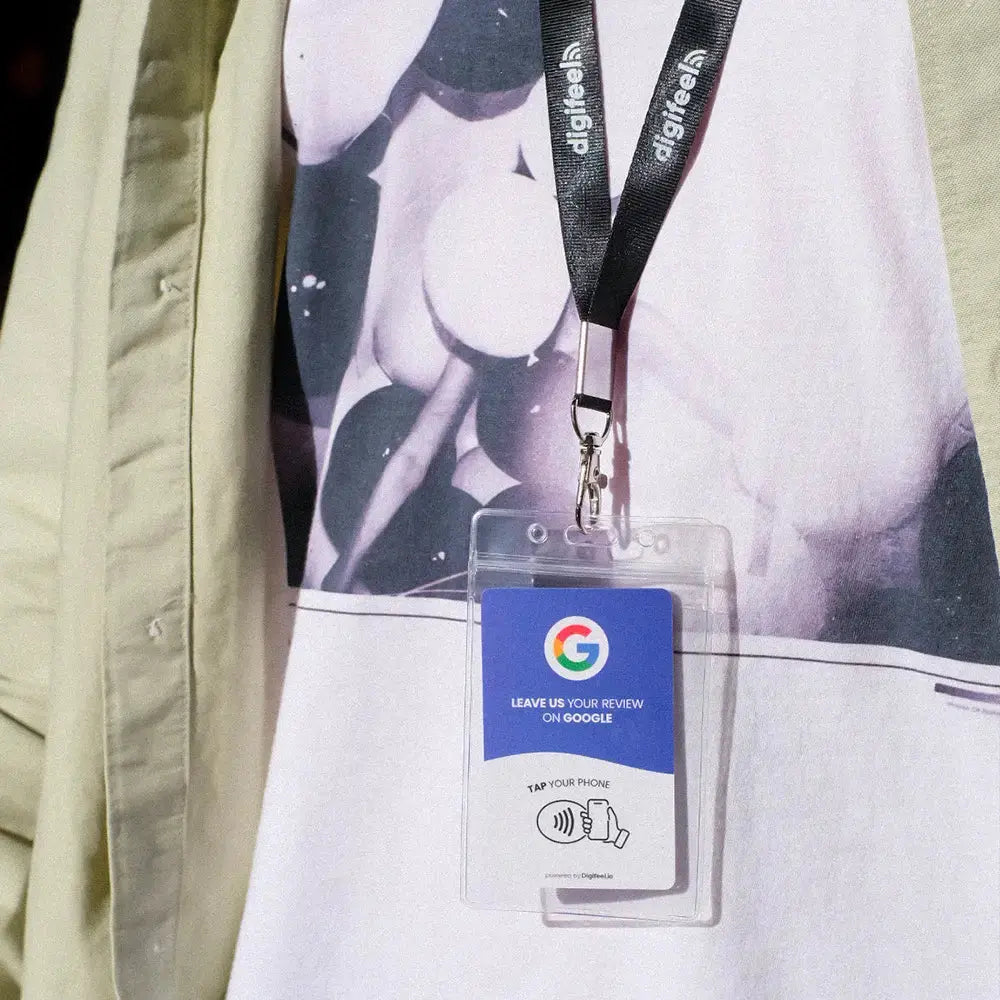
If you have ever watched a satisfied customer walk out the door knowing they will probably never leave you that five-star review even though they genuinely meant to you already understand exactly why you are here.
Collecting Google reviews consistently is one of the highest-leverage activities a local business can invest in. More reviews mean higher visibility in local search results, stronger social proof for potential customers, and a compounding reputation advantage that pays dividends for years. The problem has never been customer satisfaction. It has always been friction and that friction ends the moment you have a Digifeel Google Review Card in your hand.
Ordering yours takes less than five minutes. Your card ships within one to two business days, arrives in as little as four days depending on your location, and activates in under twenty seconds from the moment you open the package. No technical setup. No Google Business configuration. No learning curve of any kind.
In this guide, we walk you through the entire ordering process step by step from placing your order on the Digifeel website to collecting your very first review so you know exactly what to expect at every stage and can get your card working for your business as quickly as possible.
How to Place Your Digifeel Google Review Card Order?
Ordering your Digifeel Google Review Card is a straightforward process designed to get you from decision to delivery as quickly as possible. Here is exactly what to expect from the moment you land on our website to the moment your card arrives ready to activate.
Head to the Digifeel website and navigate to the Google Review Card product page. You will find a selection of card formats designed to suit different business environments and aesthetic preferences. Whether you are running a restaurant, a salon, a retail store, or a professional service practice, there is an option built for your context. Take a moment to choose the format that best fits how and where you plan to present it to your customers because placement and presentation directly impact how consistently your team uses it.
Once you have selected your card, add it to your cart and proceed to checkout. The ordering process itself is clean and fast standard contact information, shipping address, and payment details. No account creation required if you prefer to check out as a guest, though creating a Digifeel account gives you easy access to your order history and activation details after delivery.
After your order is confirmed, our team processes it within one to two business days. This processing window is when we handle the technical side of your card setup programming your NFC chip and preparing your custom activation code so that everything is ready to go the moment your card reaches you. You do not need to do anything during this period.
Delivery times vary depending on your location. For customers in the USA and Europe, expect your card to arrive within four to seven business days from the point of order confirmation. Canadian and Australian customers typically receive their orders within five to nine business days. For all other destinations, delivery runs between six and nine business days. Every order ships with tracking so you can monitor your delivery from dispatch to doorstep.
When your card arrives, the activation process takes twenty seconds not twenty minutes, not twenty steps. You scan the QR code printed on your card, open the Digifeel app, enter the activation code printed on your card, and you are done. Your card is live, linked to your Google Business profile, and ready to collect your first review immediately.
From the moment you place your order to the moment your first customer taps your card and leaves a five-star review, the entire journey is designed to be as fast, simple, and friction-free as the product itself.
What Happens After You Receive Your Digifeel Google Review Card?
Opening your Digifeel package is where the experience shifts from anticipation to action. Unlike most business tools that require lengthy onboarding, software downloads, or technical configuration before they deliver any value, your Google Review Card is ready to work within twenty seconds of arriving at your door.
The first thing you will find inside the package is your card and a clearly printed activation QR code. This is your starting point. Open your smartphone camera, point it at the QR code, and tap the link that appears. You will be directed instantly to the Digifeel app no manual download required, no App Store navigation, no waiting.
Once you land on the Digifeel app, you will see a simple prompt asking for your unique activation code. This code is printed directly on your card and takes five seconds to enter. The moment you confirm it, your card is linked to your Google Business profile and fully activated. The entire process, from scanning the QR code to completed activation, takes under twenty seconds and it only ever needs to be done once.
From that point forward, your Digifeel card works permanently and automatically with zero maintenance required on your end. There are no subscriptions to manage, no settings to update, and no technical issues to troubleshoot. The NFC chip embedded in your card will continue directing customers straight to your Google review page every single time, with the same reliability as a contactless payment terminal.
The next step is simply deciding where to place your card for maximum visibility and impact. The most effective placement is wherever your customer interaction naturally reaches its peak the checkout counter of a retail store, the reception desk of a salon or clinic, the table of a restaurant, or the service desk of a professional practice. The closer the card is to the moment of highest customer satisfaction, the higher your tap-to-review conversion rate will be.
Once your card is positioned, the workflow is effortless. A customer completes their experience with your business. You gesture toward the card and ask them to tap it with their phone. Their device opens your Google review page instantly. Thirty seconds later, a new five-star review is live on your profile building your online reputation, improving your local search ranking, and driving new customers to your business without any additional effort from your team.
That is the full picture of what happens after delivery. Twenty seconds of setup. A lifetime of reviews.