Whether you are a business owner tracking your online reputation or a customer researching where to spend your money, Google reviews are one of the most consulted sources of information on the internet. With billions of searches happening every day, the reviews attached to a business profile can make or break a purchasing decision in a matter of seconds.
Yet despite how central Google reviews are to both consumer behavior and business growth, a surprising number of people business owners included are not fully clear on where to find them, how to access them efficiently, or how to monitor them consistently over time. Knowing how to view your Google reviews is not just a basic platform skill. It is a foundational reputation management habit that every business operating in 2026 needs to have locked in.
Whether you want to read reviews left for your own business, check what customers are saying about a competitor, or simply find out what people think about a restaurant before making a reservation, the process is straightforward once you know where to look.
In this guide, we walk you through every way to view Google reviews across desktop, mobile, and Google Business Manager so you always have full visibility into what your customers are saying, when they are saying it, and how to stay on top of your online reputation without missing a single piece of feedback.
How to View Google Reviews on Desktop?
Viewing Google reviews on desktop is one of the most straightforward processes in online reputation management but knowing exactly where to look and how to navigate the different views available makes the difference between a quick check and a genuinely useful monitoring session. Here is everything you need to know.
The fastest way to view Google reviews on desktop is through a direct Google search. Open your browser, head to Google.com, and type the name of the business you want to look up. If the business has an active Google Business profile, a knowledge panel will appear on the right side of the search results page — or at the top of the page on certain searches displaying the business name, address, hours, photos, and a summary of its Google reviews including the overall star rating and total review count.
To read the individual reviews, click on the star rating or the review count link displayed in the knowledge panel. This opens a dedicated reviews panel where you can scroll through every published review, see the reviewer's name and profile photo, read their written feedback, and view the business owner's responses where they have been provided. You can also filter reviews by star rating — a particularly useful feature for business owners who want to quickly identify and address negative feedback and sort them by relevance, recency, or rating.
For business owners who want to view and manage their own Google reviews on desktop, Google Business Profile Manager is the right destination. Navigate to business.google.com and log in with the Google account associated with your business profile. Once inside your dashboard, select the location you want to manage if you operate multiple sites, then click on the reviews section in the left-hand navigation menu. This view gives you access to your complete review history, the ability to respond to individual reviews directly from the dashboard, and filtering options that allow you to sort by rating, response status, and date.
The Google Business Profile Manager desktop view is significantly more powerful than the standard search panel for business owners because it centralizes your entire review management workflow in one place. You can see at a glance how many reviews are awaiting a response, filter to find your most recent one-star reviews, and track how your overall rating has evolved over time. For any business that takes its online reputation seriously, spending five to ten minutes in this dashboard at the start of each week is one of the highest-leverage reputation management habits available.
Google Maps on desktop is another effective way to view reviews particularly useful when you want to compare multiple businesses in the same category or area. Go to maps.google.com, search for the business name or category, and click on the business listing that appears on the map or in the left-hand results panel. The business profile that opens includes a full reviews section with the same filtering and sorting options available through the standard search knowledge panel.
One detail worth noting for business owners monitoring their own reviews on desktop is the importance of checking regularly rather than reactively. Google does not send real-time desktop notifications for new reviews by default — which means a negative review can sit unanswered for days or weeks if you are not actively checking your profile. Setting up Google review notifications through your Google Business Profile settings is a simple configuration step that ensures you are alerted by email whenever a new review is published, allowing you to respond promptly and maintain the kind of active, engaged profile that both customers and Google's local search algorithm reward consistently.
How to View Google Reviews on Mobile?
With the majority of Google searches now happening on smartphones, knowing how to view Google reviews on mobile is an essential skill for both business owners managing their reputation and consumers making purchasing decisions on the go. The mobile experience is slightly different from desktop but in many ways it is faster, more intuitive, and more accessible for quick reputation checks at any moment of the day.
The quickest way to view Google reviews on mobile is directly through the Google app or your smartphone's default browser. Open Google and search for the business name you want to look up. On mobile, the Google knowledge panel appears at the top of the search results displaying the business name, star rating, review count, address, hours, and photos in a compact, scrollable card format. Tap on the star rating or the review count to open the full reviews view.
The mobile reviews panel is clean and well-optimized for touchscreen navigation. You can scroll through individual reviews, read written feedback, see reviewer profiles, and filter by star rating with a single tap. The sort options most relevant, most recent, and highest or lowest rating are accessible through a simple dropdown at the top of the reviews panel, making it easy to find the specific type of feedback you are looking for within seconds.
For business owners, the Google Maps app on mobile is one of the most practical tools for monitoring reviews on the go. Download or open Google Maps on your smartphone, search for your business name, and tap on your listing. Scroll down to the reviews section of your business profile and tap "See all reviews" to access your complete review history. From this view you can read every published review, see your overall rating breakdown by star level, and get a clear snapshot of your current reputation without needing to open a laptop.
The Google Business Profile app provides the most complete mobile review management experience for business owners who want to do more than simply read their reviews. Available for both iOS and Android, the app gives you direct access to your Google Business dashboard from your smartphone including a dedicated reviews section where you can read new reviews, respond to them directly, filter by rating and response status, and track your review volume over time. For business owners who are frequently away from their desk, this app transforms reputation management into a genuinely mobile workflow that fits naturally into the rhythm of a busy working day.
One of the most valuable mobile-specific features for active review monitoring is enabling push notifications through the Google Business Profile app. Once activated, you receive an instant notification on your smartphone every time a new review is published on your profile allowing you to respond within minutes rather than discovering feedback hours or days later. In 2026, response speed is a visible trust signal. Customers reading your reviews can see how quickly you typically respond to feedback, and a business that consistently replies within hours communicates a level of attentiveness and professionalism that directly influences purchasing decisions.
Google Search on mobile also supports voice-activated review lookups a feature that is increasingly relevant as voice search usage continues to grow. Simply activate your Google Assistant and ask "What are the reviews for [business name]?" and Google will surface the review summary and read out recent feedback verbally. For quick reputation checks while multitasking, this hands-free approach is a genuinely useful shortcut that most business owners have not yet incorporated into their monitoring routine.
The bottom line is that viewing Google reviews on mobile in 2026 is faster and more accessible than ever and for business owners, the combination of the Google Business Profile app and push notifications makes staying on top of your online reputation a habit that requires minimal time and delivers maximum awareness.
Conclusion
Viewing Google reviews is not a complicated process but doing it consistently and strategically is what separates businesses that actively manage their online reputation from those that let it manage them.
Whether you check your reviews through a desktop browser, the Google Maps app, or the Google Business Profile app on your smartphone, the most important habit is not knowing how to find your reviews. It is building the discipline to check them regularly, respond to them promptly, and use what you find to continuously improve the experience you deliver to every customer who walks through your door.
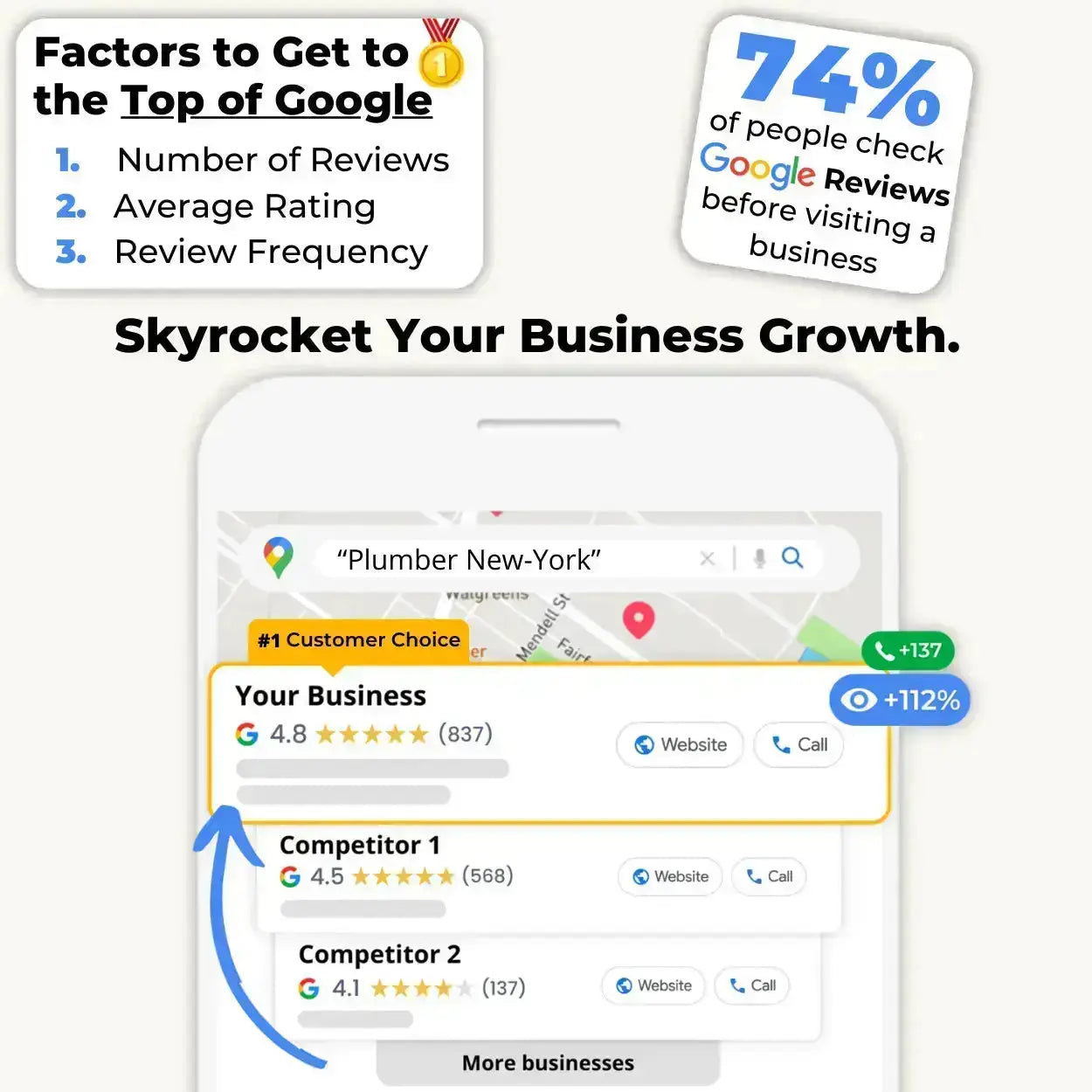
In 2026, Google reviews are not just social proof they are a direct ranking signal that influences where your business appears in local search results and how many new customers find you every single day. A business with a strong, actively managed review profile consistently outperforms competitors with better services but weaker online reputations. That is the reality of local search visibility in the modern digital landscape.
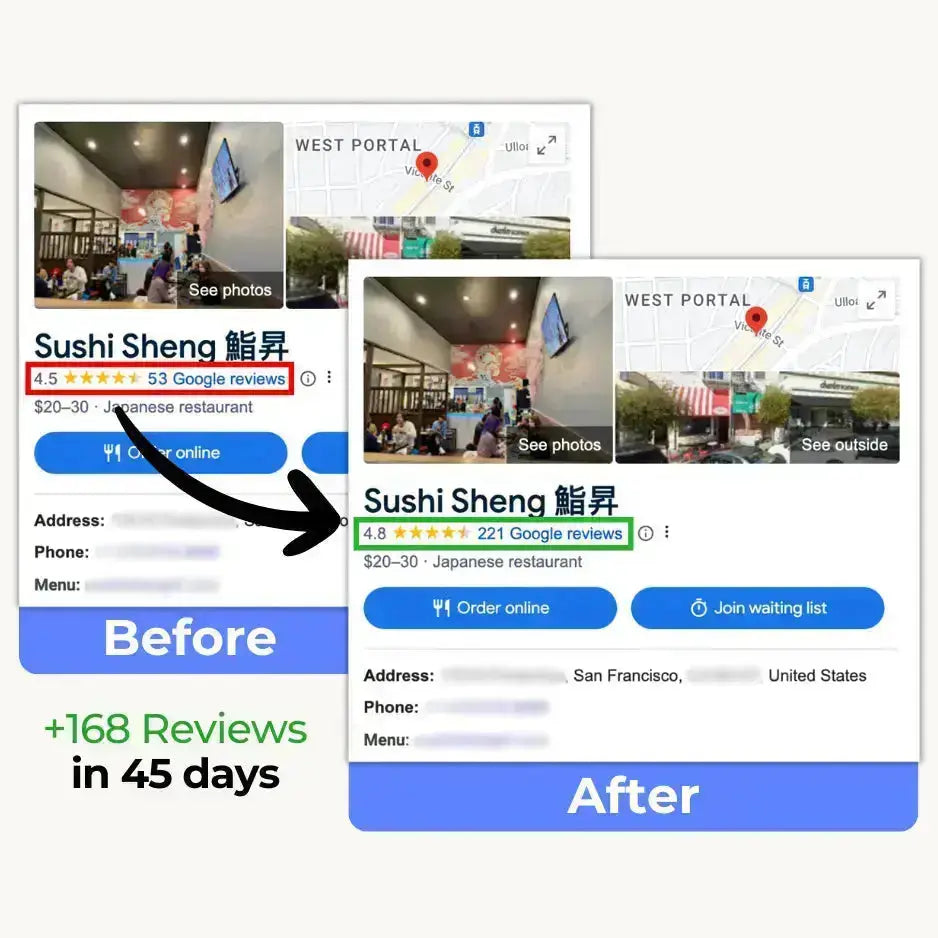
But visibility is only half of the equation. The other half is collection and this is where most businesses leave significant growth on the table. Knowing where to view your reviews means nothing if the volume and quality of those reviews does not reflect the experience you actually provide. If your current review count is not growing consistently, the problem is almost never customer satisfaction. It is the friction standing between a happy customer and a published review.
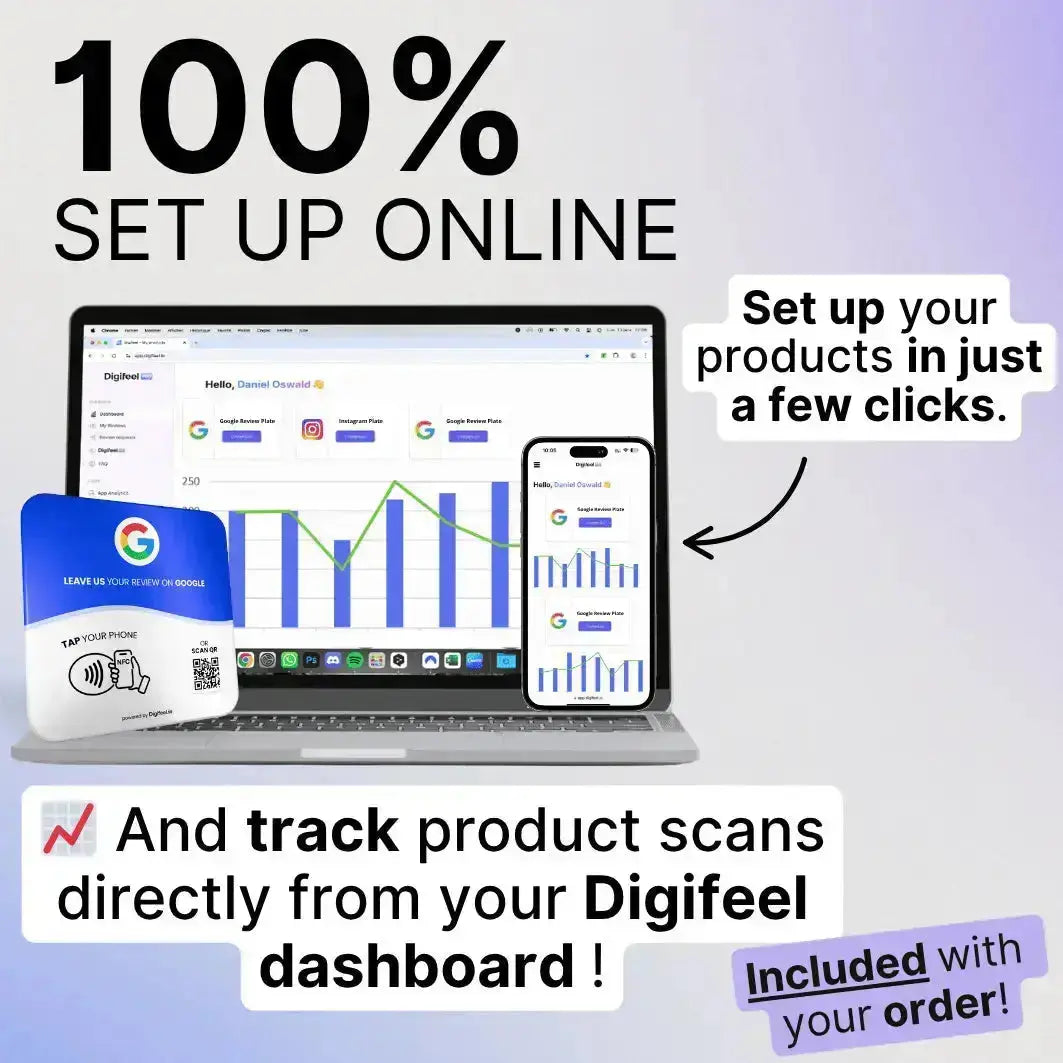
That friction is exactly what the Digifeel NFC Google Review Card eliminates. One tap from your customer. One second of interaction. And a new five-star review published on your profile before they reach the parking lot. If you are serious about building the kind of Google review profile that drives real, compounding growth for your business in 2026, it is the simplest and most effective tool available to make it happen.