Every day, millions of people open Google Maps to find a business near them. A restaurant for tonight's dinner. A dentist accepting new patients. A hair salon with availability this weekend. A plumber available right now. And for every one of those searches, Google Maps returns a list of businesses ranked by relevance, proximity, and reputation.
If your business is not on that list, those customers are going to your competitors.
Listing your business on Google Maps is one of the highest-leverage, lowest-cost actions any local business owner can take in 2026. It is free. It is permanent. And once it is set up correctly, it works for your business around the clock driving phone calls, direction requests, website visits, and walk-in customers without any ongoing advertising spend.
Yet a surprising number of local businesses either have no Google Maps listing at all, have a listing that was automatically generated by Google with incomplete or inaccurate information, or have claimed their listing but never optimized it beyond the basics. In every one of these situations, the business is leaving a significant and entirely recoverable amount of local search visibility on the table.
The process of listing your business on Google Maps officially done through Google Business Profile, Google's free platform for managing your local presence is more straightforward than most business owners expect. It takes less than thirty minutes to complete the initial setup, and the return on that time investment compounds for months and years through improved local search visibility, stronger online reputation, and a consistent flow of new customers who found you exactly when they were looking for what you offer.
In this guide, we walk you through the entire process step by step from creating your Google Business Profile to verifying your listing and optimizing it for maximum local search visibility so you can get your business on Google Maps correctly, completely, and as quickly as possible.
What is Google Business Profile and Why Does It Matter for Google Maps?
Before walking through the process of listing your business on Google Maps, it is worth understanding the platform that powers that listing because Google Business Profile is significantly more than a simple directory entry, and the businesses that treat it as such consistently outperform those that do not.
Google Business Profile is Google's free platform for managing how your business appears across Google Search and Google Maps. When you create and verify a Google Business Profile, you are not just adding a pin to a map. You are creating a comprehensive digital presence that appears whenever someone searches for your business name, your business category, or a relevant service in your area. This presence includes your business name, address, phone number, website, opening hours, photos, reviews, posts, products, services, and a range of other information that potential customers use to evaluate and contact your business before they ever visit your website or walk through your door.
The relationship between Google Business Profile and Google Maps is direct and inseparable. Your Google Maps listing is your Google Business Profile they are the same entity, managed from the same platform, displaying the same information. When someone searches for "coffee shop near me" on Google Maps and your business appears with a star rating, a photo, and your opening hours, all of that information is being pulled directly from your Google Business Profile. Optimizing your profile is optimizing your Maps presence and the two cannot be meaningfully separated.
Why does this matter so much for local businesses in 2026? Because Google Maps has become the primary discovery channel for local commerce in a way that was not fully true even five years ago. The combination of smartphone ubiquity, voice search growth, and Google's continuous investment in local search features has made Google Maps the first place the majority of consumers look when they need a local product or service. A business that ranks prominently on Google Maps for relevant local searches is essentially capturing customers at the exact moment of highest purchase intent — when they are actively looking for what you offer, in your area, right now.
The difference between a verified, optimized Google Business Profile and an absent or incomplete one is not subtle. Businesses with complete, active profiles receive significantly more clicks, direction requests, phone calls, and website visits than those with incomplete or unverified listings because Google surfaces complete, trustworthy profiles more prominently in local search results, and because potential customers are more likely to choose a business that presents complete, professional information over one that appears incomplete or potentially inactive.
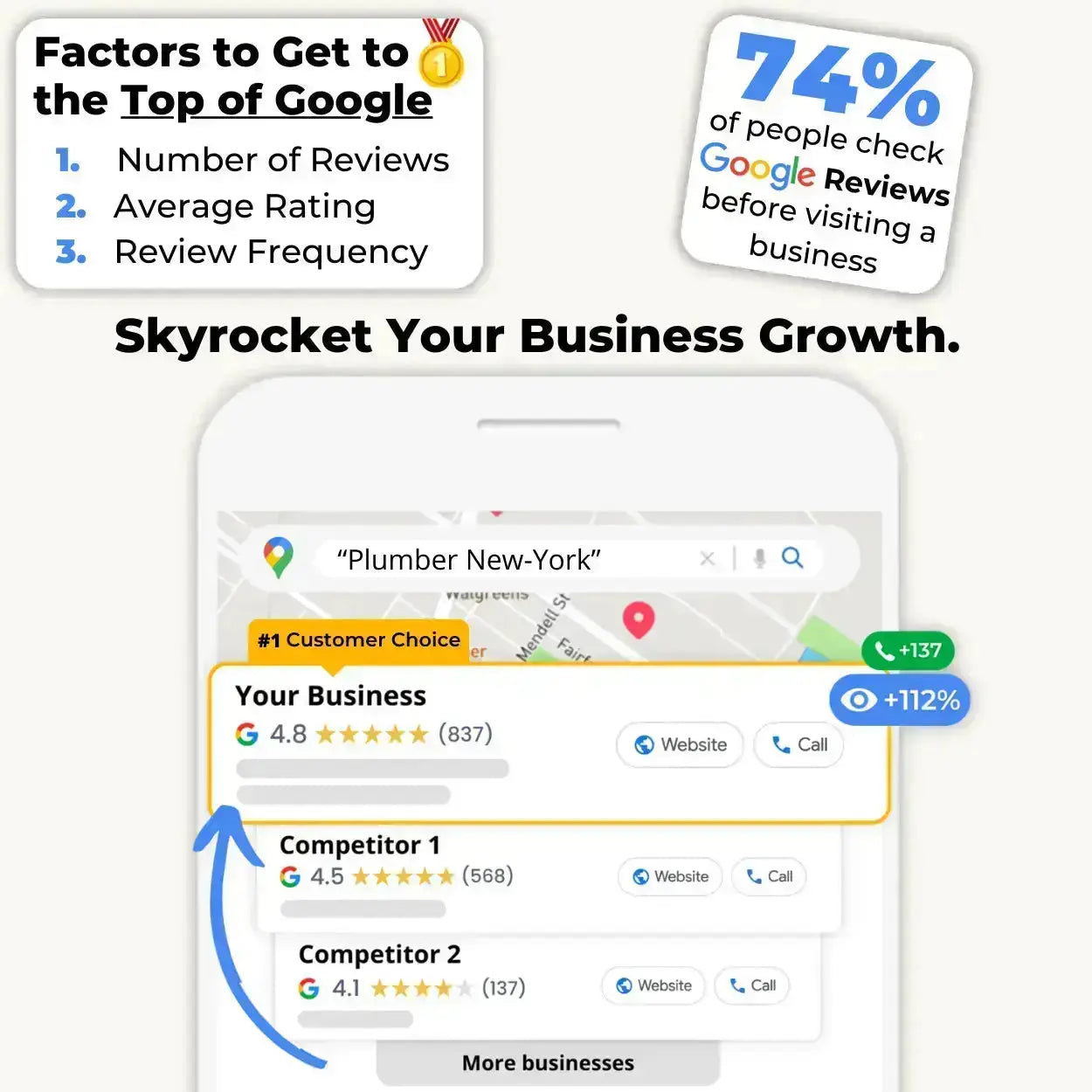
Google Business Profile also serves as the foundation for several of the most powerful local SEO signals available to small and medium-sized businesses. Review volume, review recency, and response rate three of the most heavily weighted factors in Google's local search ranking algorithm are all managed and visible through your Google Business Profile. Photo activity, post frequency, and question and answer engagement are additional profile signals that contribute to your local search visibility over time. None of these signals exist without a verified Google Business Profile which means that a business without one is not just missing a directory listing. It is missing the entire infrastructure through which local search visibility is built and maintained.
For businesses that rely on local customers restaurants, salons, medical practices, retail stores, service providers of every kind Google Business Profile is not an optional marketing channel. It is the foundational layer of local digital presence that everything else is built on top of. Getting it set up correctly, verifying it promptly, and optimizing it thoroughly is the single most important local marketing action any brick-and-mortar or service-area business can take in 2026 and it costs nothing beyond the time it takes to complete the process.
How to Create Your Google Business Profile Step by Step?
Creating your Google Business Profile is a straightforward process that takes less than thirty minutes from start to finish. Here is the complete walkthrough, step by step, with everything you need to know at each stage to set up your profile correctly from the beginning.
Step 1: Go to Google Business Profile
Open your browser and navigate to business.google.com. Click the "Manage now" or "Get started" button to begin the profile creation process. You will need to be signed into a Google account before proceeding if you do not already have one, create a free Google account at this stage using an email address that is dedicated to your business rather than a personal account, which keeps your business profile management separate from your personal Google activity.
Step 2: Enter Your Business Name
Type your business name exactly as it appears on your signage, your website, and any other official business materials. Consistency between how your name appears on Google and how it appears everywhere else your business is listed online is a foundational local SEO signal any discrepancy creates confusion for Google's algorithm and can suppress your local search visibility. If your business name already appears in Google's suggestions as you type, select it carefully this may indicate that a listing already exists for your business that you need to claim rather than create.
Step 3: Select Your Business Category
Choose the primary category that most accurately describes what your business does. This is one of the most important decisions in the entire setup process because your primary category is the single strongest signal you send to Google about which searches your profile should appear for. Be as specific as possible "Hair Salon" rather than "Beauty Business", "Italian Restaurant" rather than "Restaurant." You can add secondary categories after your initial setup to capture additional relevant searches, but your primary category selection deserves careful thought before you commit.
Step 4: Add Your Location or Service Area
If your business has a physical location that customers visit, select "Yes" when asked if you want to add a location and enter your complete business address. This address will appear on Google Maps and in your knowledge panel in search results. If you operate a service-area business that goes to customers rather than receiving them at a fixed address a plumber, a mobile caterer, a cleaning service you can instead define your service area by city, region, or postcode without displaying a physical address publicly.
Step 5: Add Your Contact Information
Enter your business phone number and website URL. These details appear prominently on your Google Maps listing and are among the most frequently used pieces of information by potential customers who find your profile. Make sure your phone number is current, consistently formatted, and monitored missed calls from Google Maps are missed revenue opportunities.
Step 6: Verify Your Business
Verification is the step that confirms to Google that your business is legitimate and that you are authorized to manage its profile. Google offers several verification methods depending on your business type and location the most common is a postcard sent to your business address containing a five-digit verification code that you enter in your Google Business Profile dashboard. Other verification options may include phone verification, email verification, or video verification for certain business categories. The postcard method typically takes five to fourteen days to arrive. Until verification is complete, your profile will have limited visibility in Google Search and Maps completing verification promptly is essential for activating the full local search benefits of your listing.
Step 7: Complete Your Profile
Once verified, return to your dashboard and complete every remaining section of your profile business hours, photos, business description, services or products, and any category-specific attributes that apply to your business. A complete profile ranks higher and converts better than an incomplete one, and investing thirty minutes in thorough profile completion at this stage delivers local search benefits that compound for years.
How to Optimize Your Google Maps Listing After Setup?
Creating and verifying your Google Business Profile is the foundation. Optimizing it after setup is what transforms a basic listing into a high-performing local search asset that consistently ranks prominently, attracts qualified customers, and builds a compounding visibility advantage over competitors who have never moved beyond the bare minimum. Here is exactly how to do it.
Complete every available section of your profile without exception. Google's algorithm treats profile completeness as a direct signal of business legitimacy and relevance — and incomplete profiles are consistently outranked by complete ones in local search results, all else being equal. Beyond the core fields completed during setup, make sure your profile includes a compelling business description that naturally incorporates the keywords your target customers are searching for, a comprehensive list of your products or services with accurate descriptions and pricing where applicable, all relevant business attributes such as accessibility features, payment methods, and amenity details, and your full range of opening hours including special hours for public holidays and seasonal variations.
Upload high-quality photos consistently and regularly. Google's own data shows that businesses with photos receive significantly more clicks, direction requests, and website visits than those without and the recency of your photos contributes to the activity signal that Google rewards with improved local search visibility. Upload a minimum of ten photos at setup covering your exterior, interior, team, and products or services, and add two to three fresh images every week thereafter to maintain the consistent activity signal that keeps your ranking elevated over time. Every photo should be sharp, well-lit, and representative of your business at its genuine best.
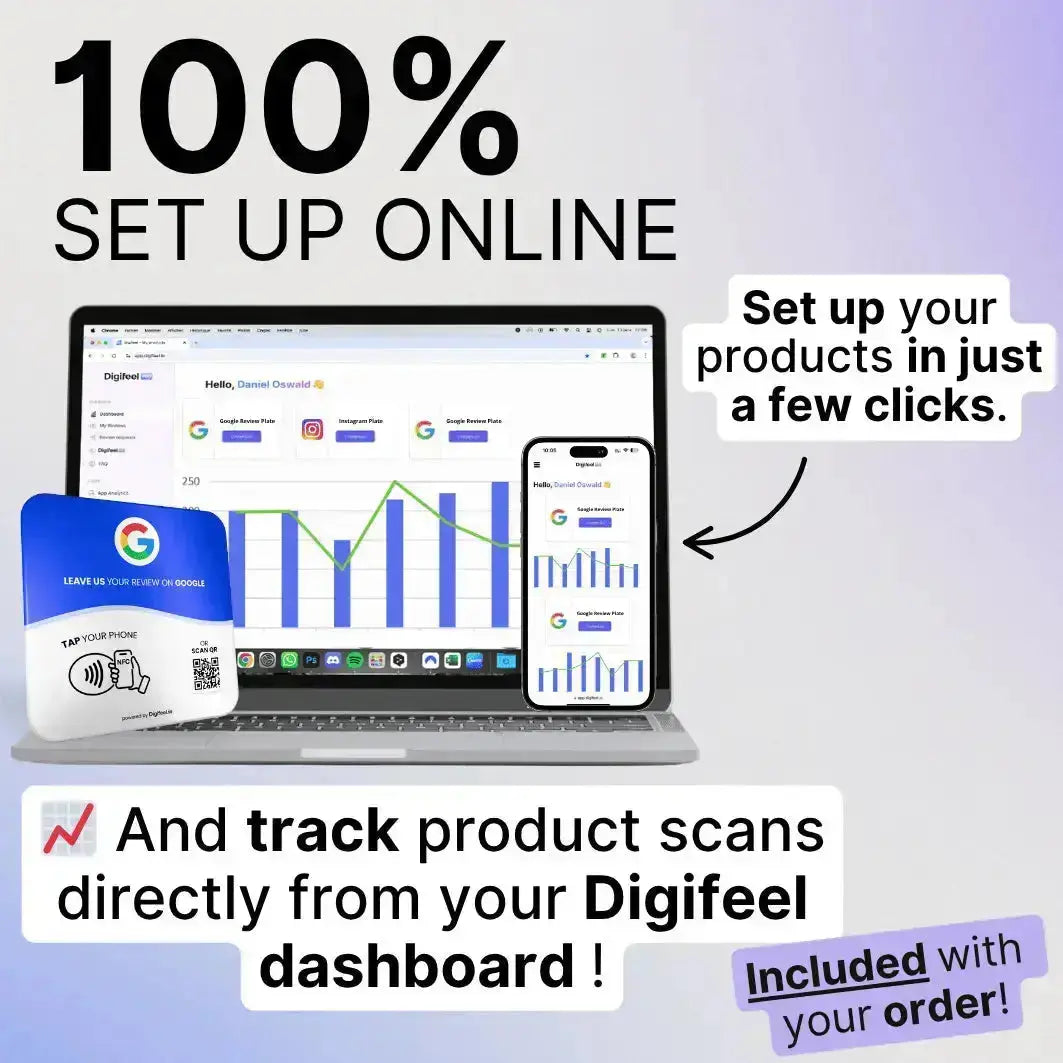
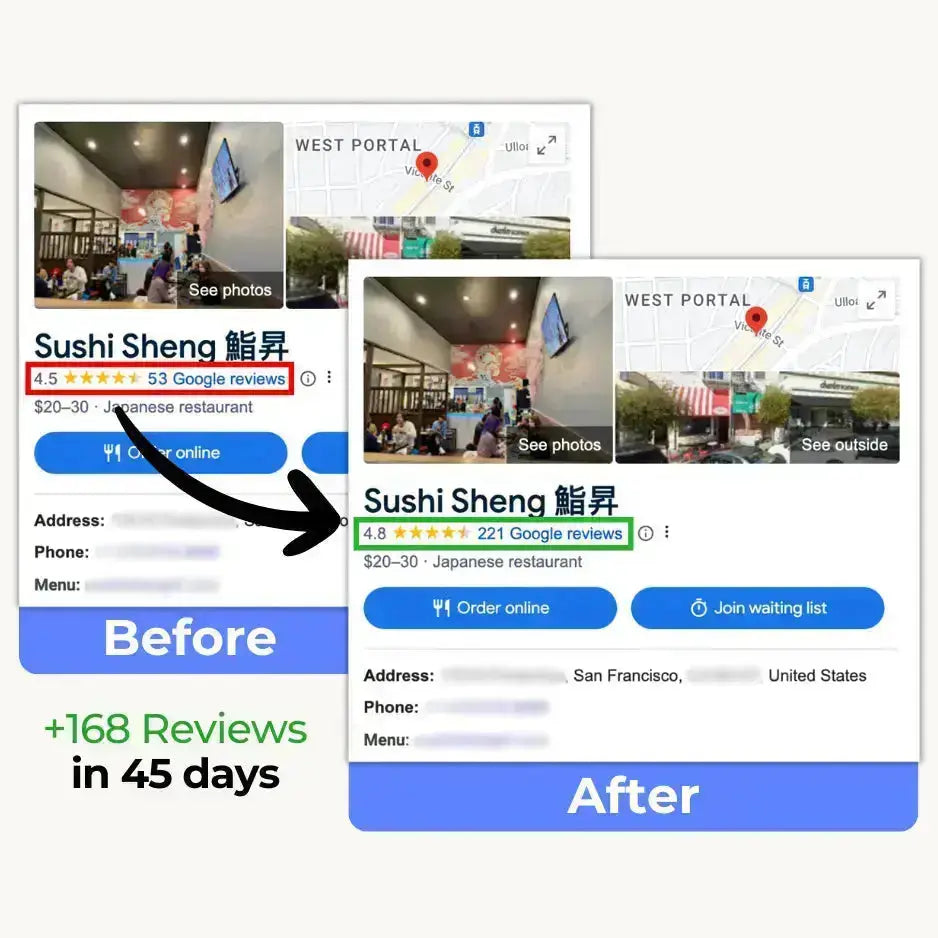
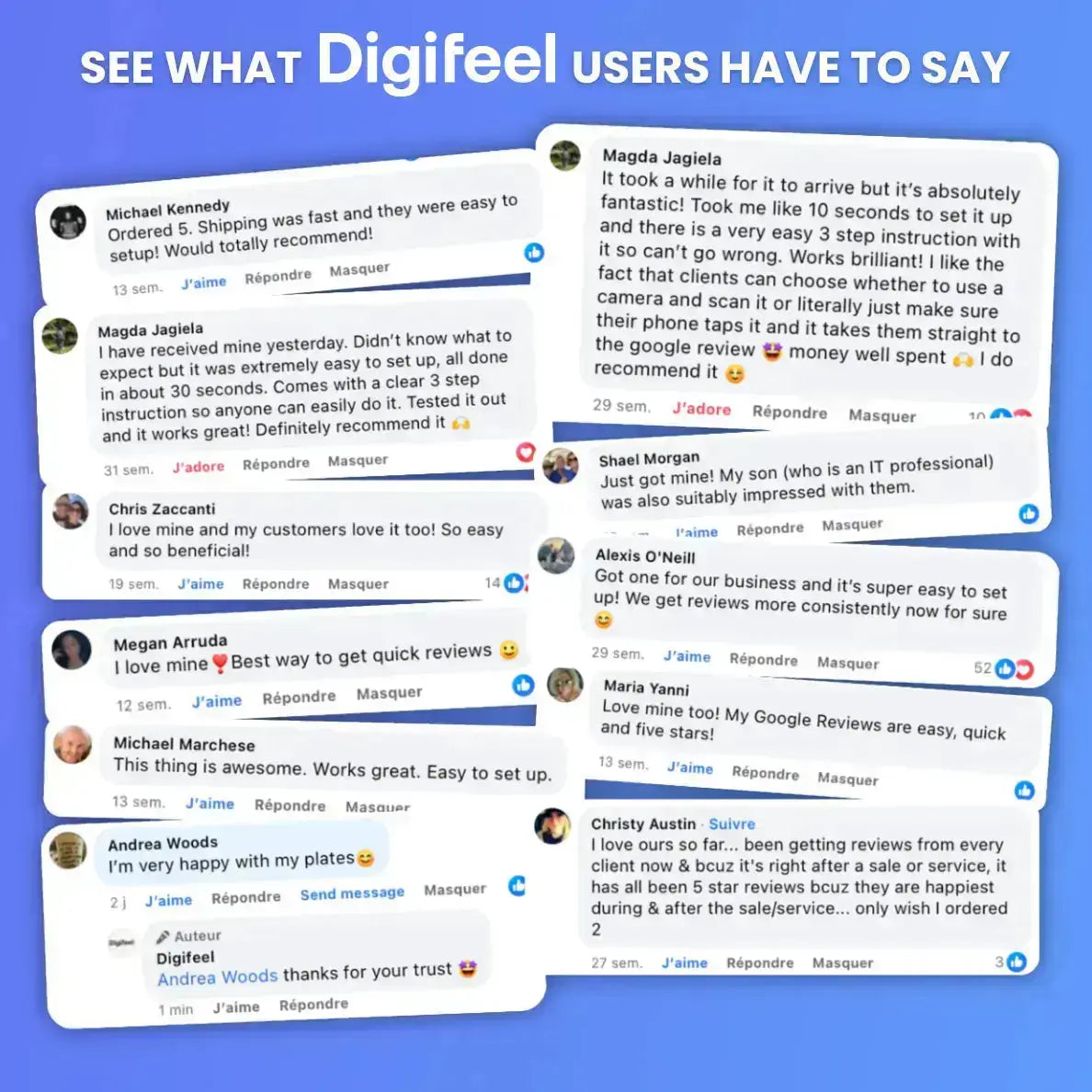
Build your review profile with deliberate, consistent strategy. Review volume, review recency, average star rating, and response rate are among the most heavily weighted factors in Google's local search ranking algorithm and no optimization action you take delivers a more direct and measurable impact on your Maps ranking than a disciplined, ongoing review collection strategy. The most effective tool for collecting reviews consistently in a physical business environment is the Digifeel NFC Google Review Card which reduces the entire review submission process to a single tap from your customer at the peak moment of their satisfaction, generating a steady stream of five-star reviews that compounds your local search advantage over time. Respond to every review you receive, positive and negative, within 24 hours Google rewards active response behavior with improved visibility and potential customers reward it with increased trust.
Publish Google Posts on a weekly basis. Google Posts allow you to share promotions, announcements, events, and updates directly on your Maps listing visible to anyone who finds your business through Google Search or Maps. Every post you publish gives Google fresh keyword signals about your business and sends a strong activity signal that contributes to your ranking over time. A single post per week of 150 to 300 words with a clear call to action and a high-quality image is sufficient to maintain the posting cadence that Google rewards and it takes less than five minutes to produce once the habit is established.
Optimize your Q&A section proactively. Do not wait for customers to submit questions and then scramble to answer them. Identify the ten to fifteen questions your customers ask most frequently and publish them yourself as both question and answer directly on your profile. This proactive approach gives you complete control over the content, fills your profile with keyword-rich text that expands your relevance for specific local searches, and provides potential customers with the information they need to choose your business with confidence.
Monitor your profile performance regularly through the insights section of your Google Business Profile dashboard, which shows you how many people are finding your listing, what search terms they are using, and what actions they are taking after viewing your profile. These insights allow you to identify which optimization efforts are driving the most meaningful results and where additional attention will deliver the highest return on your time investment.
FAQ on How to List My Business on Google Maps
Is listing my business on Google Maps free?
Yes creating and maintaining a Google Business Profile, which powers your Google Maps listing, is completely free. Google does not charge any fee to create a profile, verify your business, or manage your listing. The only costs associated with Google Maps visibility are optional such as Google Ads campaigns that promote your listing above organic results but organic local search visibility through a well-optimized Google Business Profile costs nothing beyond the time invested in setting it up and maintaining it.
How long does it take to list a business on Google Maps?
The initial profile creation process takes approximately twenty to thirty minutes to complete. Verification the step that activates your full listing visibility typically takes five to fourteen days if you are using the postcard verification method, which remains the most common option for most business types. Phone, email, and video verification options are available for eligible businesses and can complete the process significantly faster.
Can I list my business on Google Maps without a physical address?
Yes. Service-area businesses that operate at customer locations rather than a fixed address plumbers, mobile caterers, cleaning services, personal trainers, and similar businesses can create a Google Business Profile and define a service area by city, region, or postcode without displaying a physical address publicly on their listing. This allows service-area businesses to appear in local search results for their target areas without exposing a home address or other private location information.
What happens if my business already appears on Google Maps?
Google sometimes automatically generates basic listings for businesses based on publicly available information. If your business already appears on Google Maps, you need to claim that existing listing rather than create a new one. Search for your business name on Google Maps, find your listing, and select the option to claim or manage it. Claiming an existing listing gives you full control over its content and allows you to complete, correct, and optimize all of the information it displays.
How do I verify my Google Business Profile?
The most common verification method is a postcard sent to your business address containing a five-digit verification code. When the postcard arrives typically within five to fourteen days log into your Google Business Profile dashboard and enter the code to complete verification. Depending on your business type and location, Google may also offer phone, email, or video verification as faster alternatives. Complete verification as promptly as possible since your profile has limited local search visibility until the process is finished.
How important is it to keep my business information up to date?
Extremely important both for customer experience and for local search ranking. Inaccurate information on your Google Business Profile, such as wrong opening hours, an outdated phone number, or an incorrect address, frustrates potential customers and damages the trust signals that Google uses to evaluate your profile's reliability. Update your profile immediately whenever any business information changes, and review all details at least once per quarter to ensure accuracy.
How do Google reviews affect my Google Maps ranking?
Google reviews are one of the most heavily weighted factors in Google's local search ranking algorithm. Review volume, review recency, average star rating, and response rate all contribute directly to how prominently your business appears in Google Maps search results. A business that collects reviews consistently and responds to them promptly will consistently outrank a competitor with equivalent or superior services but a weaker review profile. Tools like the Digifeel NFC Google Review Card make consistent review collection effortless by reducing the entire submission process to a single tap from your customer.
Can I manage my Google Maps listing from my smartphone?
Yes. The Google Business Profile app for iOS and Android gives you full management access to your listing from your smartphone including the ability to update business information, respond to reviews, publish posts, upload photos, and monitor profile performance insights. For business owners who are frequently away from their desk, the app makes maintaining an active, well-managed profile a genuinely mobile workflow that fits naturally into a busy schedule.
How long does it take for changes to my listing to appear on Google Maps?
Most updates to your Google Business Profile appear on Google Maps within a few minutes to a few hours of being saved. Some changes particularly those that affect core business information like your name, address, or category may take slightly longer as Google reviews them before publishing. In rare cases, significant changes may trigger a re-verification process before they go live.
What should I do if someone else has claimed my business listing?
If your business listing has been claimed by someone who is not authorized to manage it a previous owner, a former employee, or an unauthorized third party you can request ownership of the listing through Google Business Profile support. Navigate to your listing, select the option to request access, and follow the verification process Google provides. Google typically resolves legitimate ownership disputes within a few business days of receiving a verified request.